On this page
There’s a version of this post where I tell you AI made me 10x more productive, everything clicked on the first try, and I’m now shipping software while sipping coffee with my feet up.
This is not that post.
A few weeks ago, Codeminer42 challenged me to build a side project from scratch using only AI tools. No writing code by hand. Every single line had to come from prompts. My job was to describe what I wanted, read what came back, and fix problems with more prompts. The company provided me a Claude Code subscription for this, and the rule was simple: if I wanted something to exist in the codebase, I had to ask for it.
I ended up building two projects instead of one. A full Rails 8 web app with MIDI keyboard integration, and a standalone Wear OS app for walking and jogging interval training, with haptic timers and over 150 automated tests. I published both projects. Each one taught me things I couldn’t have learned any other way.
If you’re not familiar with what Agentic Engineering means, Edy Silva wrote a great introduction on this blog that’s worth reading first.
The setup
My stack was simple: Claude Code CLI as the main agent, MCP servers (Chrome DevTools and Google Stitch for the first project) to give Claude access to the browser and design tools. VS Code for the Rails project, Android Studio for Wear OS. And a CLAUDE.md file in each project that I kept updating as I went.
One thing worth mentioning about how I work with Claude Code: I prefer to confirm every action before it happens. When Claude wants to edit a file, create a folder, or run a command, I review and approve it first. It slows things down a little, but I always know what’s happening in the codebase and I catch problems before they pile up.
Codeminer42 also provided me the Anthropic API key I needed for both projects. One of them actually calls that API from inside the app itself, but I’ll get to that.
Oh, and I hit session limits a few times during the two weeks, especially on longer days. Honestly, I get why people complain about that lately. It’s genuinely annoying when you’re in the middle of something and Claude just stops. Thankfully, Codeminer42 expanded my limits when I needed it, which saved me more than once, though it’s still something you have to plan around.
Project #1: Piano Learner
What it is
A Rails 8 web application for learning piano, with real-time MIDI keyboard integration, AI-generated song analysis powered by the Anthropic API, staff notation via VexFlow, a BPM-driven practice engine, and a scoring system. Almost 300 automated tests across RSpec and Vitest. Five days.

Teaching Claude to See
Building the song list page was one of the first real tests of the workflow. I asked Claude to build it, it built it, ran the tests, fixed a few things, and everything passed. Great, right?
Not quite. When I opened the page in the browser, the elements weren’t showing up the way I expected. The tests were green, the code looked fine, but the actual visual result was wrong. That’s when I remembered that Miguel Marcondes, a fellow developer at Codeminer42, had mentioned a Chrome MCP that lets you connect the browser directly to Claude Code. I figured this was a good moment to actually try it.
So I installed it. And Claude opened Chrome inside WSL, which was not at all what I wanted. I needed it to connect to my existing Windows Chrome instance through a remote debugging session, not spin up a new browser inside the Linux environment.
So I started a new Claude Code session and asked it to help me figure out how to change the MCP configuration to do what I actually needed. It showed me a few config files. Still, none of them worked. Next, I asked it to check the Chrome MCP GitHub repository for the correct flags to enable remote debugging, and also to look at the Claude Code docs to find where the actual MCP configuration files live. That combination worked. Claude found both pieces, I updated the right file with the right flags, and suddenly I had a live Chrome session connected to Claude Code.
From that point on, I could send screenshots directly through the MCP and ask Claude to look at what was visually wrong. That changed how I worked with the frontend for the rest of the project.
Claude calling Claude
On Day 3, I added a feature where the app calls Claude’s API to generate study guides for each song. So Claude Code, the tool I was using to build the project, was writing the code that calls Claude as a feature inside the project. The AI was programming how to talk to itself.
Honestly, that wasn’t in the original plan. Instead, it just came from what the project needed. The guides it produced were teacher-like and direct: practice drills with suggested tempos, milestone-based tips, emotional descriptions of each chord. I rewrote the prompt once because the first version wasn’t quite right. After that, it worked well.

Switching models mid-project
I used two Claude models during this project. Initially, Sonnet handled the earlier work: scaffolding, models, controllers, getting the basic structure running. Later, Opus took over when things got more complex, like the BPM timing engine, the scoring algorithm, the VexFlow integration, and improving test quality. Sonnet was faster and great at building things out quickly. However, Opus was slower but made noticeably better decisions when the problem was harder. Overall, knowing when to switch mattered more than I expected.
Google Stitch, at first
My best friend had shown me Google Stitch a few weeks before the challenge. She was excited about it, said the feature was impressive. Still, I was a bit skeptical. Actually, from what I had seen, it was still making mistakes, especially around typography.
But during the challenge, I decided to give it a proper try. First, I wrote some prompts describing the design I wanted, sent the project’s instruction file so it would have context, and then asked Stitch to generate something. Unfortunately, the results weren’t good enough. It created features that didn’t exist in the project, inconsistencies started appearing, and eventually, after a few more requests, it just stopped responding altogether.
So I settled for exporting what I had managed to get as images and using those as a visual reference for Claude locally. Nothing fancy, just screenshots to point at.
A design system, built by accident
Then, while looking through the export options, I noticed one of them said “MCP Server”. At that point I was already familiar with the Chrome MCP setup, and hoping this one would be less painful to configure, I gave it a try. It connected to Claude without much trouble.
The problem was what happened next: instead of reading my existing design and working from it, Claude used the connection to start creating a completely new design from scratch. So I stopped it before it went too far and told it to ask me questions before touching anything. Surprisingly, that actually helped. It walked me through a few questions about the direction I wanted, offered some suggestions I hadn’t considered, and eventually, from that conversation, we built a proper design system together.
Meanwhile, I was listening to the Cyberpunk 2077 anime soundtrack during all of this, and the mood of it ended up shaping the whole visual direction more than any prompt I wrote. The neon colors, the dark backgrounds, the glowing accents. Honestly, I hadn’t planned any of it. It just came from what was playing. Sometimes the best design decisions aren’t decisions at all.
The result was the interface you can see below.


The CLAUDE.md confession
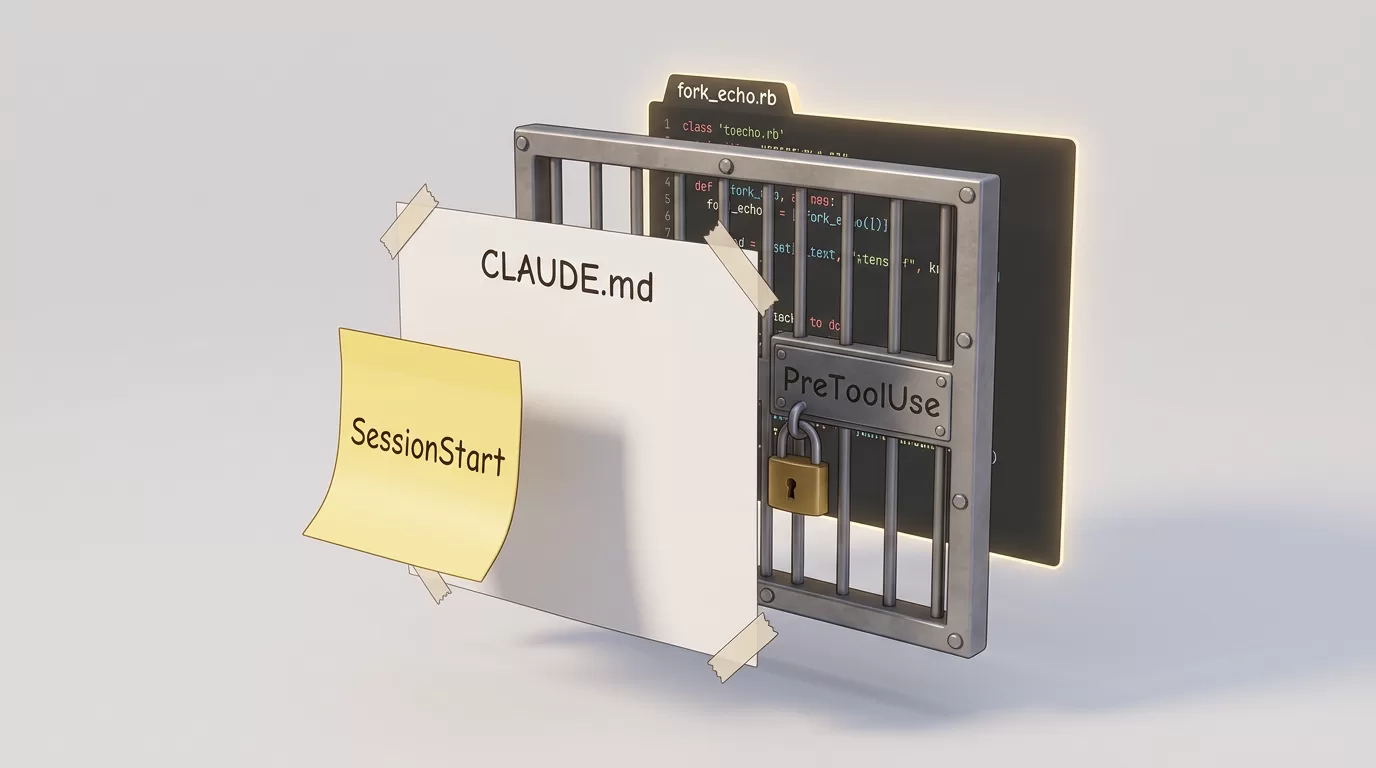
One of my bigger mistakes on this project: I only started creating the CLAUDE.md file on Day 5. By then I had already spent four days re-explaining the project structure, conventions, and rules at the start of every session, because Claude has no memory between sessions.
Once I finally wrote it (around 350 lines covering architecture, routes, test commands, and a growing list of anti-patterns), future sessions picked up exactly where the last one left off. Actually, the anti-patterns section was especially valuable. Every time Claude made a mistake I corrected once, I added it to the file so it wouldn’t happen again:
- “Avoid pending or empty test specs”
- “Don’t write smoke-test-only request specs”
- “Always test AI status query methods”
I should have started this on Day 1. That’s probably the single most useful thing I can tell anyone who is just getting started with Claude Code.
The feature we built and deleted (fun fact)
On Day 2, Claude built a complete file import pipeline: over 600 lines of working code with models, importers, and background jobs for handling MIDI and ABC music files. However, by the end of the same day, I realized we didn’t need the feature. So we deleted all of it.
In a normal project, throwing away 600 lines of working code would feel like a real loss. However, here it was just an easy call. Actually, that change in how I thought about waste was one of the more subtle things that shifted during these two weeks.
By the numbers
| Calendar days | 5 |
| Total commits | 55 |
| Lines added | ~16,800 |
| Ruby code | ~4,600 lines |
| JavaScript code | ~2,000 lines |
| Total tests | ~288 (RSpec + Vitest) |
| Database migrations | 13 |
Project #2: TrotClock
What it is
A standalone Wear OS app for walk/jog interval training, built with Kotlin and Jetpack Compose. You set up custom sessions with walk and jog patterns, start a countdown timer on your wrist, and it guides you through warmup, intervals, and cooldown with haptic feedback. No phone needed.
From plan to working app in three days
Before writing any Kotlin, I spent the first session in Claude Code’s plan mode, where the agent acts more like an architect than a code writer. We went through the database schema (I pushed for a relational join table instead of storing interval data as JSON, which removed an entire dependency), the foreground service requirement (on Wear OS, the timer has to keep running even when the wrist drops and the screen turns off), and every library in the dependency list. At one point I asked Claude: “explain why you’re adding all these libraries for such a simple app.” It had to justify each one.
The final plan was an 8-phase, TDD-driven roadmap covering domain models, database, repository layer, session timer, foreground service, ViewModels, Compose screens, and navigation. Once we locked the plan, execution moved surprisingly fast. Basically, we went from scaffold to a functional app across a few focused sessions, with Claude building each layer on top of the previous one and writing tests alongside the production code.
The audit loop that changed my approach
Near the end of Day 3, Edy shared with me a /audit skill for Claude Code. Basically, it’s a structured prompt that evaluates a codebase across multiple quality dimensions and gives you a score with specific findings. So I decided to use it in a loop: run the audit, let Claude fix what it found, run the audit again.
Three rounds in one evening. The score went from 8.2 to 8.9 to 9.0. Each round surfaced specific gaps, like missing service layer tests, inaccurate documentation, or uncovered utility classes, and I addressed them in targeted commits before running the next check. It was my idea to keep looping until the score stopped moving, and it worked better than I expected.
Most people use AI tools like a search engine. Ask once, get an answer, move on. However, the audit loop was the first time I really understood what it means to let the agent actually iterate.


By the numbers
| Development days | 3 |
| Total commits | 26 |
| Production code | ~1,700 lines (34 Kotlin files) |
| Test code | ~2,700 lines (21 test files) |
| Total tests | 157 (unit + instrumented) |
| Test-to-source ratio | 1.58x |
| Audit score progression | 8.2 → 8.9 → 9.0 |
What went wrong
The sandbox setup
At some point I tried to set up the native Claude Code sandbox feature. M.Akita wrote a post called “AI Agents: Garantindo a Proteção do seu Sistema” explaining why running an AI agent without any isolation is risky. Basically, such an agent can read, edit, and delete files anywhere on your system, run arbitrary commands, and do things you never intended. His recommendation is to run Claude inside a proper sandbox so it has a contained environment to work in.
The setup itself was harder than I expected. I ran into configuration issues that took longer to debug than the actual features I was trying to build. Claude kept making assumptions about the environment that didn’t hold inside the sandbox. Eventually, I got it partially working but never trusted it enough to rely on it fully. Revisiting this is definitely on my list, because the reasoning behind it is solid. At the time, though, I just didn’t have enough experience to push through.
Wrong first attempts on complex tasks
On complex tasks, especially anything involving environment configuration, build systems, or non-standard setups, Claude’s first attempt was often wrong. For example, bad build configs, incorrect API syntax, CSS that looked right in the code but broke in the browser. However, on simple, well-defined tasks it was usually fine. Basically, the more specific and unusual the environment, the worse the first attempt tended to be.
What helped most was breaking work into smaller pieces instead of giving Claude large open-ended requests. Ultimately, the more precisely I described what I wanted, the better the result came out on the first try.
Claude declaring victory too early
This was the most frustrating pattern I ran into, and it happened more than a few times. Claude would finish a task, tell me everything was working, and it just wasn’t. Once there was a critical security package missing from a sandbox setup. Another time a build config had silent errors. Claude had reviewed its own work and decided it was fine.
The fix I landed on is structural: the tests decide if something is done, not Claude. After this happened enough times, I added git hooks and automated test runs as mandatory checkpoints after every session. If Claude says it’s done but the tests disagree, we’re not done. Claude doesn’t get to grade its own homework.
The mental model shift
The new bottleneck is clarity, not code
Here’s what nobody told me going in: the bottleneck stops being “can I write this code?” and becomes “can I describe this problem clearly enough for the agent to solve it?”
That sounds easier. However, it usually isn’t, at least not at first.
Writing a good CLAUDE.md, scoping a task tightly enough that the agent doesn’t go down the wrong path, knowing when to push back on a technology choice, staying skeptical enough to catch when Claude calls something done before it really is, these are skills that take time to develop. They don’t look much like traditional software development.
Fundamentals matter more, not less
And here’s something I keep thinking about as AI tools get better: the fundamentals of good software engineering are becoming more important, not less. For instance, knowing how systems are structured. Understanding when to apply a design pattern and when it’s overengineering. Also, having a real sense of security, performance, and scalability trade-offs. None of that gets automated. Instead, it’s exactly what lets you judge whether what the agent produced is actually good, not just whether it runs without errors.
As the models improve, the gap between developers who understand these things and those who don’t will keep growing. Unfortunately, better prompts won’t close it. Instead, the agent multiplies what you already know. So if what you know is solid, that’s a good thing.
The honest verdict
After two weeks, dozens of sessions, and two published projects, I can say the value is real. For starters, those audit loops really work. Plus, moving across stacks felt fast. Going from Rails to Kotlin to bash scripting to browser automation all in the same two weeks is something I wouldn’t have believed before doing it.
But there’s a real cost in time and focus that goes to correcting wrong first attempts, verifying things Claude claims are working, and re-explaining context that didn’t survive the session boundary. That’s something I want to improve over time through better CLAUDE.md files, tighter task scoping, and more automated checkpoints set up from the start.
Overall, the main thing I’m taking away: good software engineering fundamentals matter more in an agentic workflow, not less. You need to know what you’re asking for, recognize when what came back isn’t right, and understand the codebase well enough to steer things toward something you’d actually want to maintain. No prompt fixes that.
Moisés Carvalho is a fullstack developer at Codeminer42. You can find him on GitHub at imperadorsid.
Source code: Piano Learner · TrotClock
We want to work with you. Check out our Services page!